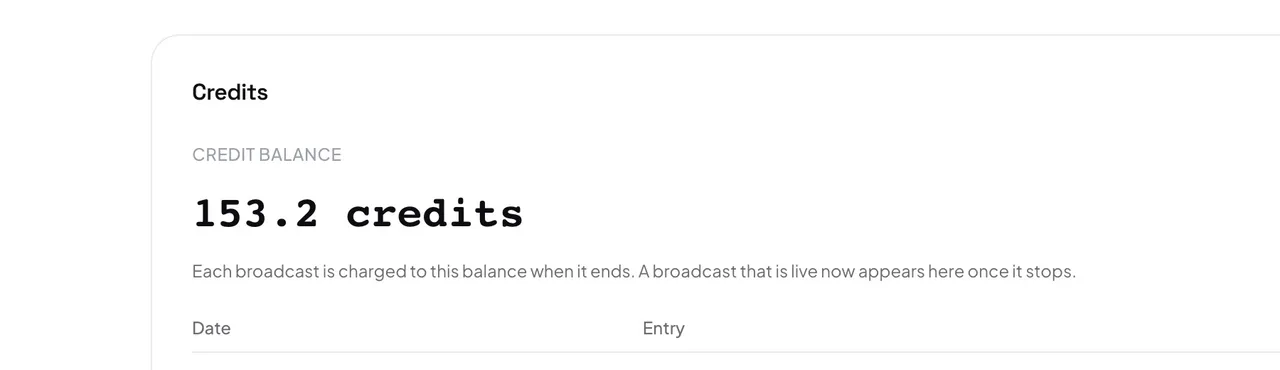
Your organization has one credit balance. You see it under Settings → Billing, in the Credits card, with a statement of every movement: purchases, the free credits you got at signup, and one line per broadcast.
- Pay for listening, not for languages. The AI translation of a language starts when the first person listens to it and stops soon after the last one leaves. A language nobody picks costs nothing.
- A human interpreter uses no AI time. While a person interprets a language, that language is not translated by the AI.
- The original language is not translated. Offering it to listeners with captions adds no AI translation.
- Recording is the exception. If you keep a recording, the first output language is translated for the whole service, listeners or not. See Record a service.
While you broadcast, the live console shows Estimated cost and your remaining Credits. The exact charge is calculated when the broadcast ends, and only then appears in your statement.
Careful: If your balance runs out during a broadcast, the broadcast stops. The console warns you first. Credits you buy in another tab reach the running broadcast within seconds, with no restart.