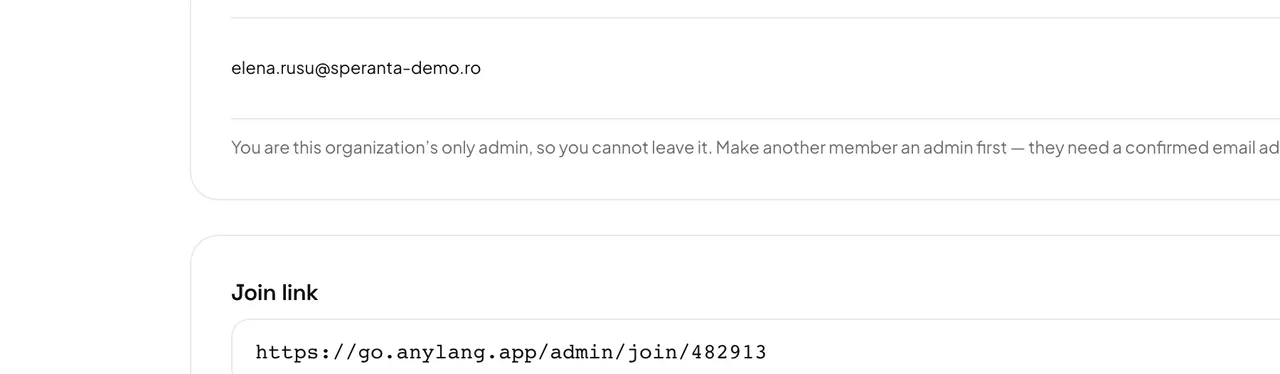
With a join link or code
- Any member can copy the Join link from Settings → Members. The code is under Settings → Organization.
- Open the link and press Create account (or Sign in if you have one). Without a link, create your account, leave Organization name blank, and type the code under Join an organization, then press Find organization.
- Check the name and press Request to join.
- An admin approves the request under Pending requests. You get access as soon as they do.
With an email invitation
- Open the link in the invitation email. It works for 14 days.
- If you have no account yet, choose a password and press Accept and create account. No confirmation email follows — the link already proved your address.
- If you already have an account on that address, press Accept invitation.
Careful: The organization code is for your team only. Never give it to the congregation — listeners use the session link or code instead.