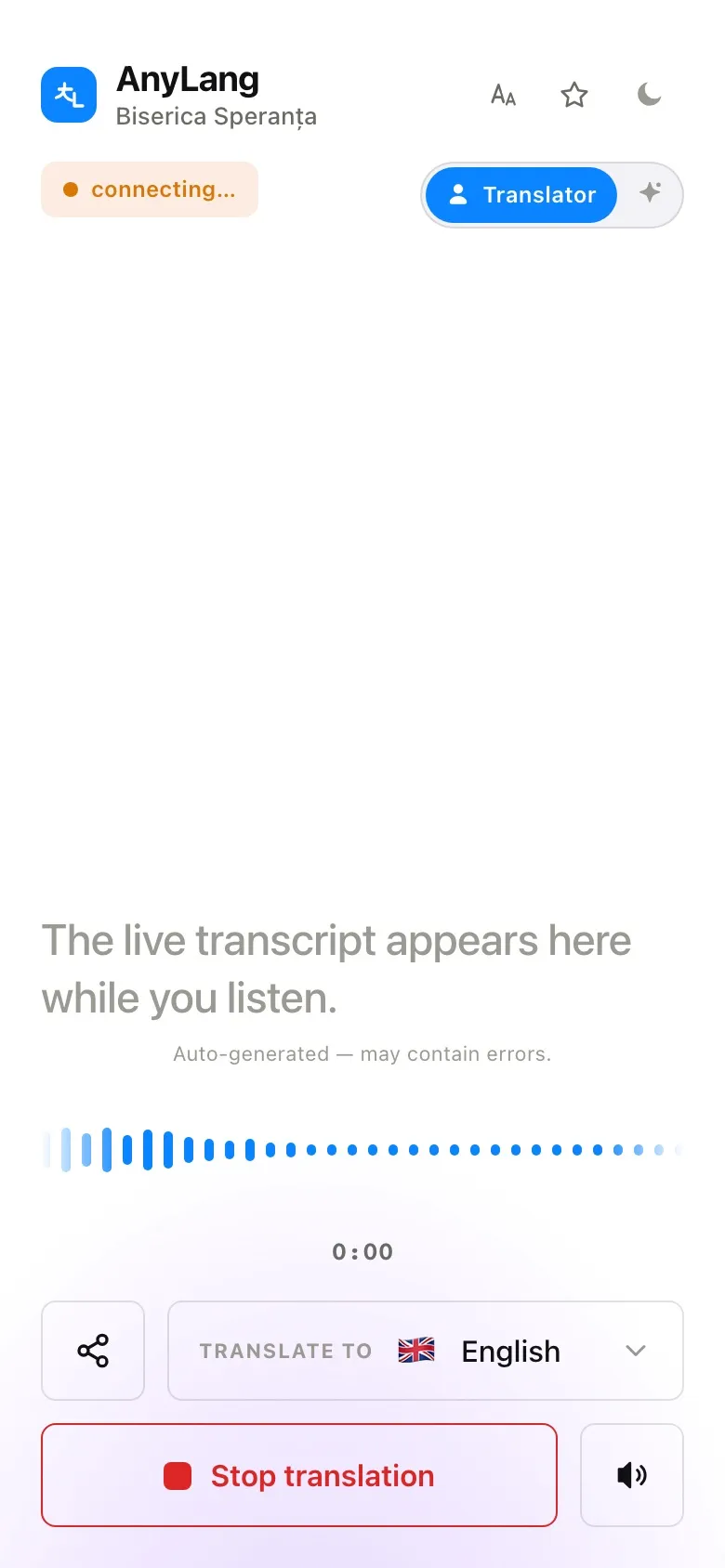
Listening happens in the phone's browser. The page reads in the language the listener picks, so each person sees buttons in their own language.
- Open the link you were given, or scan the QR code on the poster or screen. Or go to go.anylang.app, type the code and press Listen.
- Under Translate to, choose your language.
- Press Start translation. Put on headphones if you are in the room.
- To stop, press Stop translation. Mute silences the sound but keeps the text running.
The code is six characters. If the organization uses a permanent link, its short name works in the same box.
- What if they arrive before the broadcast starts?
- The page says the broadcast is not active yet. With Auto-connect when broadcast starts ticked, it connects by itself when you press Start.
- Can a listener pass the link on?
- Yes. Share link sends the address of the page they are on.