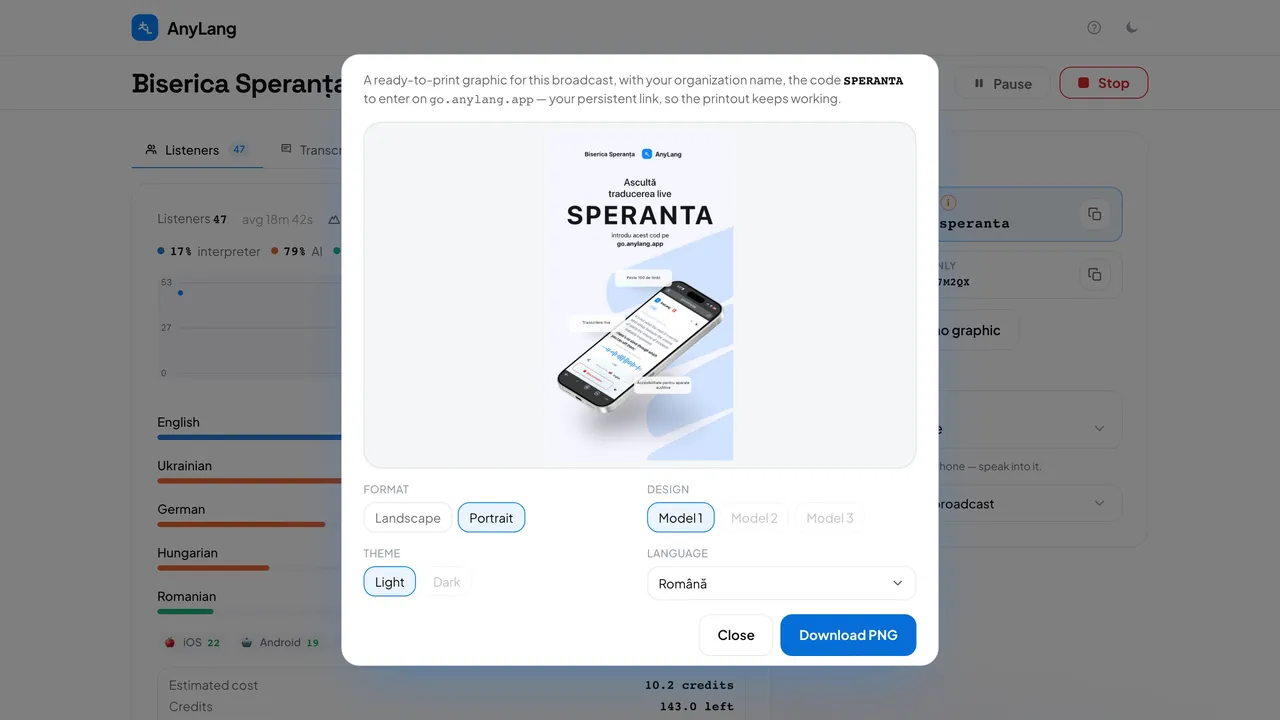
The graphic carries your logo (or your organization's name if you have no logo), the code to type and, in designs that have room for it, a QR code of the listener link. It works on a notice board, a projector or social media.
- In the live console, press Download promo graphic in the right column.
- Choose Format (Landscape or Portrait), Design and Theme (Light or Dark). A greyed-out option does not exist for that combination.
- Choose the Language of the poster's text: English, Romanian, Ukrainian, German or Hebrew.
- Check the preview and press Download PNG.
Careful: With a permanent link, the poster uses it and keeps working for every service, so you print it once. Without one, the poster carries today's code, which stops working when you press Stop.