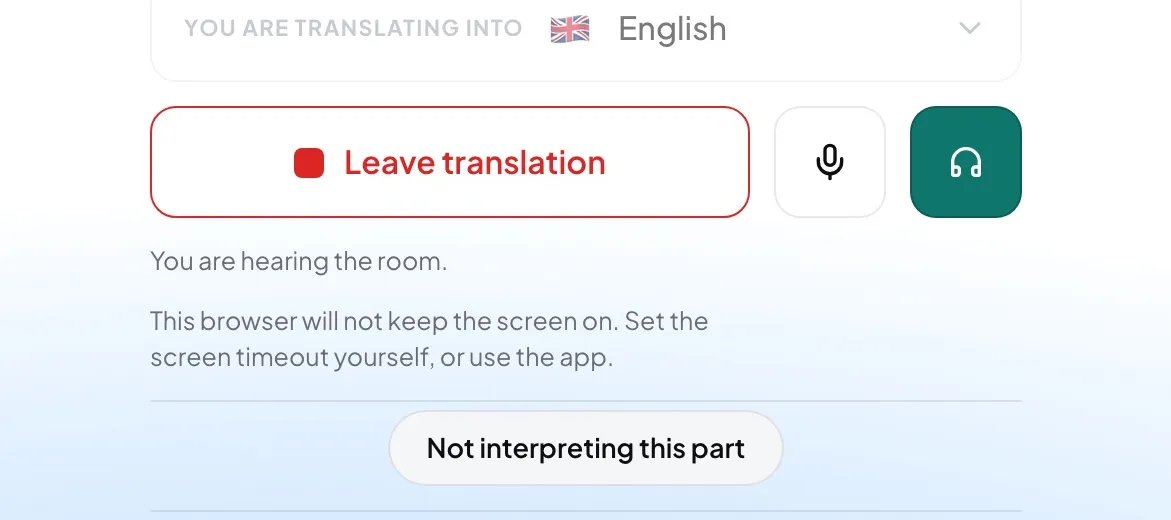
Use it when you are not in the room, or cannot hear the speaker well. The monitor is off until you press it.
- Join a language first. The button appears while you are on air.
- Connect headphones to this device.
- Press the headphones button. The note under it reads "You are hearing the room." Press it again to stop.
Careful: On a loudspeaker the room's sound would go back into your microphone and reach your listeners. That is why the button refuses there — press it to see why, then connect headphones.