Both keep the language yours. Nobody is moved to the AI, and you are back on air with one press.
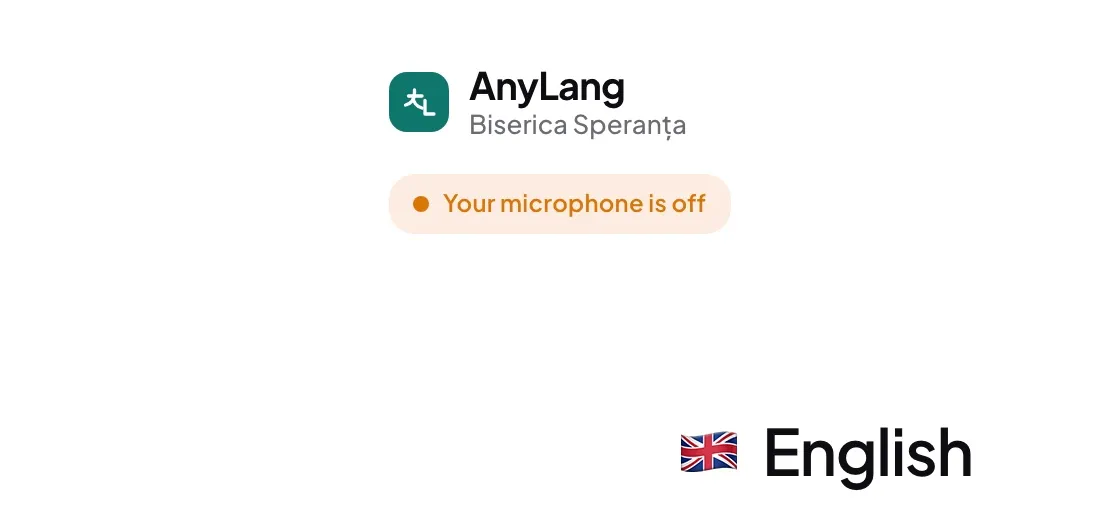
- Microphone button — for a cough or a question. Your status reads Your microphone is off, and listeners see "translator muted". Press it again to speak.
- Not interpreting this part — for a song the room knows, a reading everyone holds, a greeting. Listeners see "This part is not being interpreted. Listen to the speaker." Your microphone stays off until you press Interpreting again.
Good to know: Both affect only your language. Listeners can still switch to the AI themselves, and the AI keeps translating the same passage.
- I reloaded the page while muted. Am I back on air?
- No. The mute belongs to your turn on the language, so you come back muted and choose when to speak.