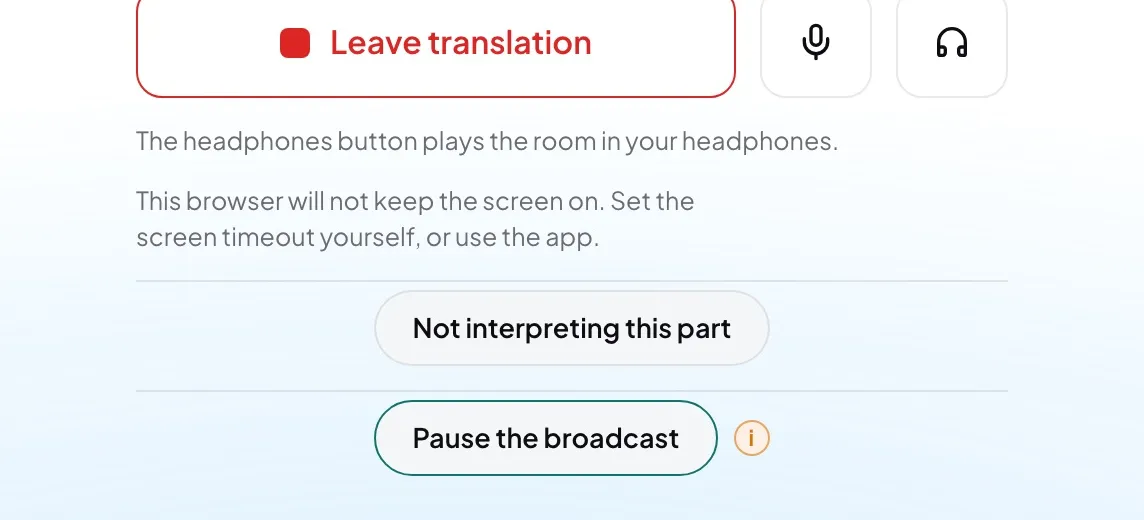
Use it when the service has stopped and you may be the only one watching — for example, the speaker has stepped away and the room is noisy.
- While you are on air, press Pause the broadcast.
- Your status reads Broadcast paused — nobody can hear you. Listeners on every language are on hold.
- Press Resume the broadcast when the service goes on.
Good to know: The console and the booth show one pause. Whoever runs the console sees it and can resume it there, and you can resume a pause they started.
Careful: This reaches every language, not only yours. To go quiet on your own language only, use the microphone button instead (Mute or skip a passage).