- In the console, open Settings and choose the Members tab. Only an admin can invite.
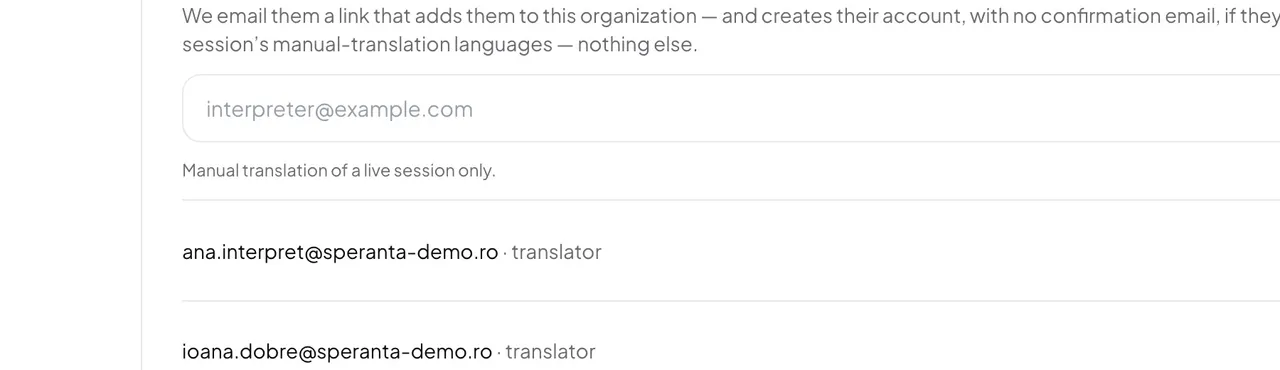
- Under Invites, type the interpreter's email address.
- Choose the role Translator and press Invite.
- The interpreter opens the link in the email. Without an account, they type a name and a password and press Accept and create account — no confirmation email follows. With an account on that address, they press Accept invitation.
A translator sees only the booth: the languages of a live broadcast that are open to a human interpreter. They see none of your settings, history, credits or billing.
- The link expired or the email never arrived.
- Press Send again next to the invitation. It sends a fresh link, valid for another 14 days. See Invitation not received.
- How do I cancel an invitation?
- Press Revoke next to it. The link stops working.
Good to know: Inviting someone does not yet let them interpret. You also choose which languages a person may take: see Allow human interpretation.