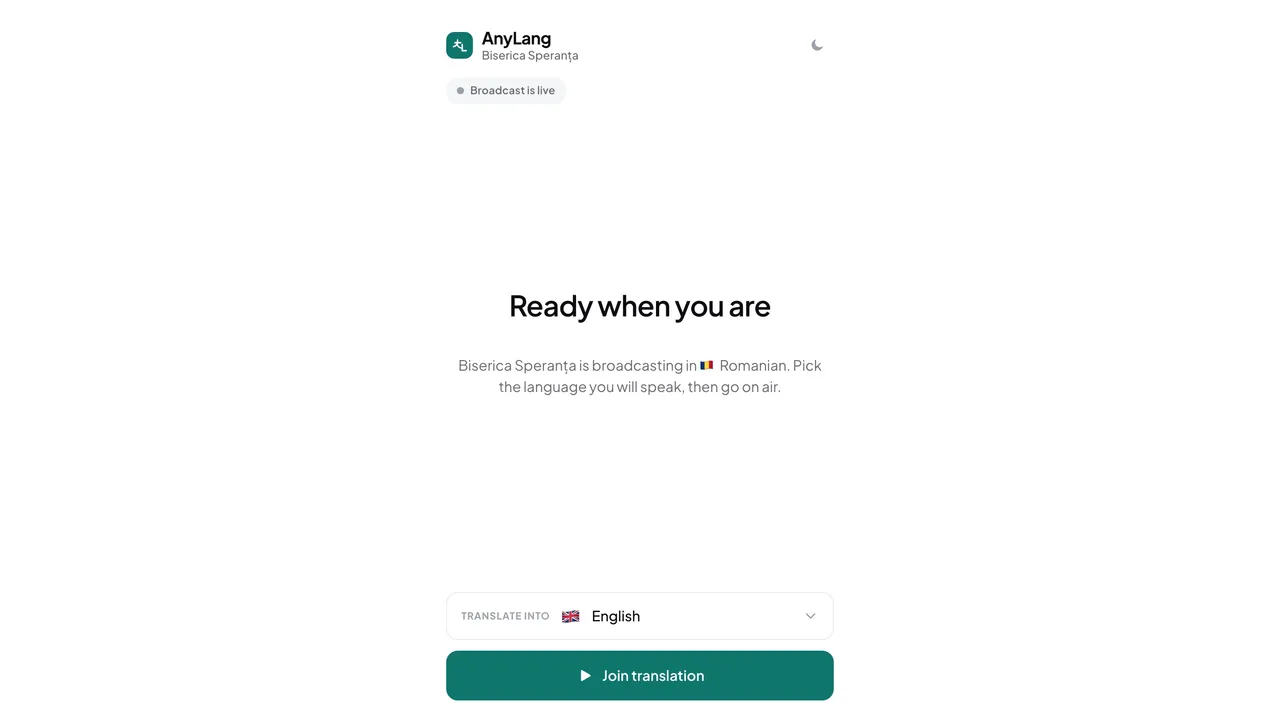
- Nothing is live yet. The page says Nothing to translate right now. Leave it open; the languages appear when the broadcast starts.
- Wrong organization. The org name is under Manual translation. Change it with Switch organization in the account menu.
- Not allowed for this service. The admin ticks languages in Human translation allowed for, in the Languages step. It cannot change during a live broadcast, so it applies from the next one.
- Not an output language. Only the languages chosen for this broadcast can be interpreted.
- Someone else has it. The language shows “another interpreter is on it”. Only one interpreter can hold a language at a time.
My language is missing in the booth
The booth lists only the languages of a live broadcast that the admin allowed for human translation. If yours is not there, it was not allowed for this service, or it is not being broadcast at all.