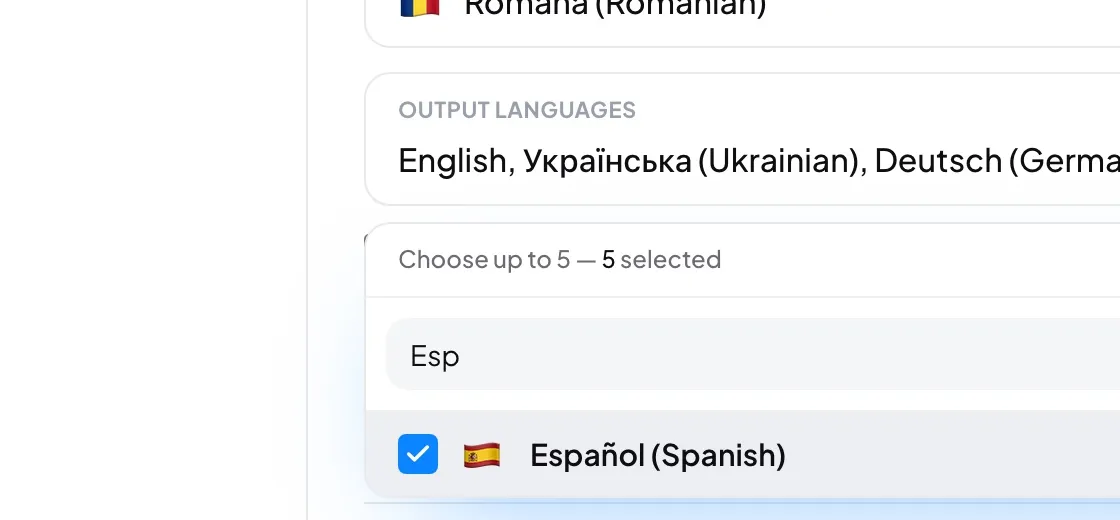
Listeners can only pick from the languages you choose here. Each choice saves the moment you make it and is kept for your next session.
- On the console home page, press New session. Step 1, Languages, opens first.
- Spoken language: the language the speaker will use. The list shows your organization's preferred spoken languages.
- Output languages: tick up to five languages to translate into. Type in the search box to find one quickly.
- Optional: offer the original language too, or choose which languages a human interpreter may take.
- Press Next to go on to Audio.
Good to know: Only an admin can change the languages. A speaker starts with the languages the admin chose last.
Careful: After Start the languages cannot change. To change them, press Stop and start a new session, which gets a new code.
- Does an output language cost anything if nobody listens?
- No. A language is translated only while someone is listening to it. The one exception is the language you record, if you keep a recording.
- The language I speak is not in the list.
- An admin adds it in Settings → Session → Preferred spoken languages.