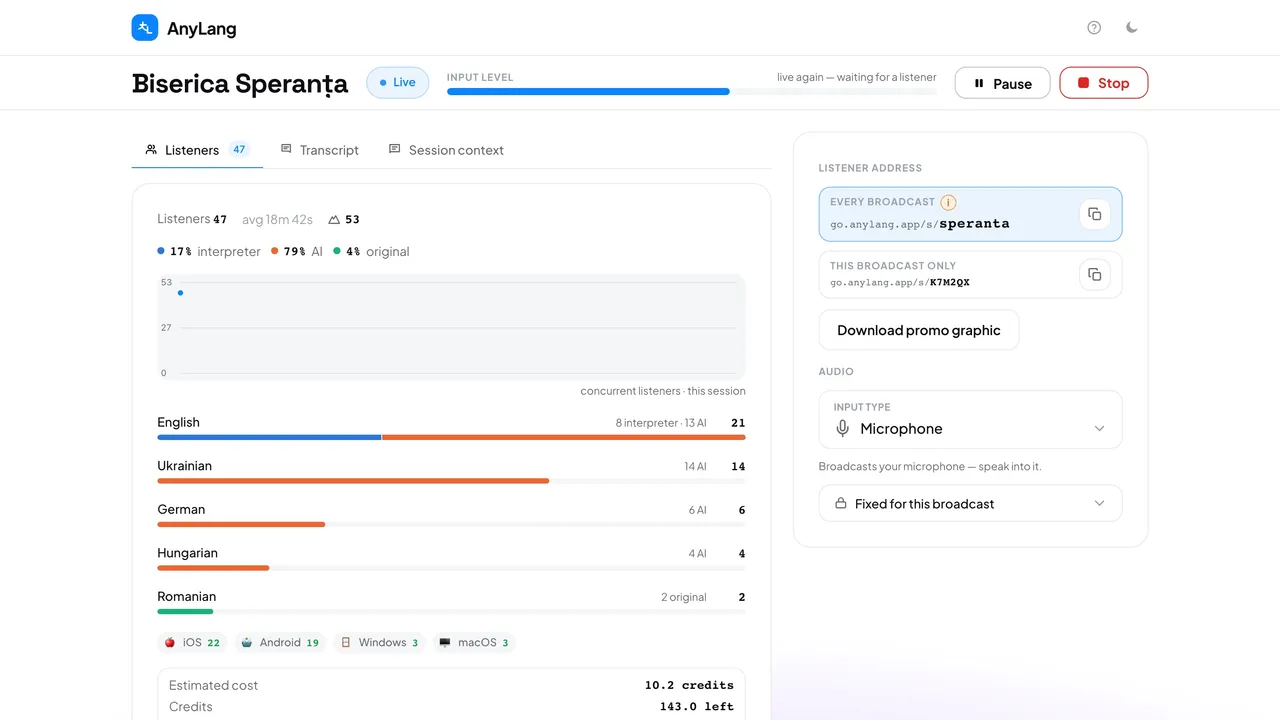
Pause and resume
- Press Pause in the top bar. It turns amber and reads Paused.
- Listeners see that the broadcast is paused and that they will be reconnected automatically.
- Press Paused again to resume. Listeners come back on their own within a few seconds.
Stop
Press Stop, then Stop broadcast to confirm. Listeners are told the broadcast has ended, and the summary opens. You can also stop from the running session's card on the console home page.
Careful: Stop cannot be undone. To go on air again you start a new session, with a new code, and it counts as a new session for the day.
Three kinds of pause
- Paused: you pressed Pause. Listeners wait.
- Paused — resume: the console tab was closed or reloaded. Listeners stay connected and hear silence. See closed the tab.
- An interpreter paused from the booth: it is the same pause as yours, and you can resume it.