- admin — full access, including settings, billing and members.
- speaker — starts and runs broadcasts. Can read the history and the settings, but not change them.
- translator — only the interpreting booth (Translate) and their own history. Sees no costs and none of the organization's other data.
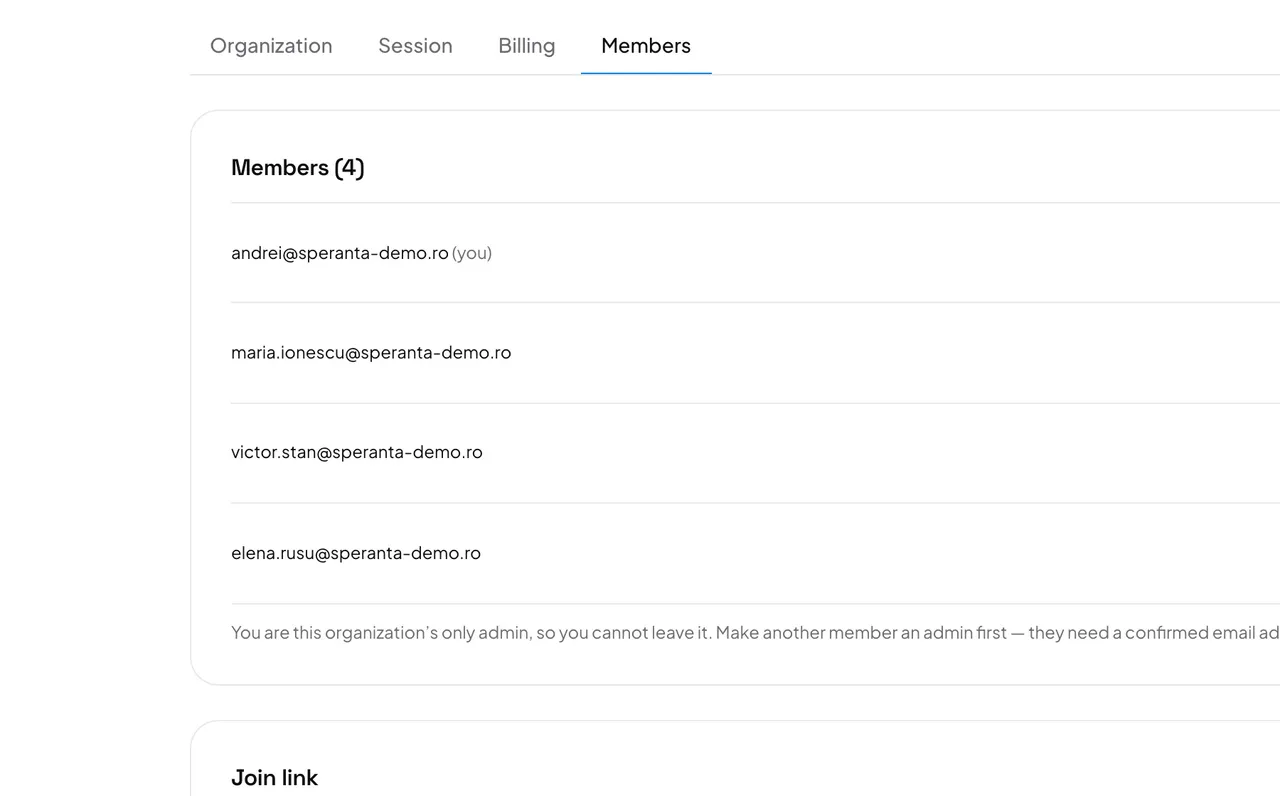
- Open Settings → Members. The list shows everyone in the organization.
- To change a role, pick a new one in the drop-down beside the person. It saves at once.
- To take someone out, press Remove. To leave the organization yourself, press Leave on your own row.
Careful: Remove acts at once, without asking. An organization must always keep one admin: if you are the only one, make another member admin before you leave — they need a confirmed email address.
To add people, share the join link or send an invitation.