- Press the account button with your name at the top right. On a phone, press Open menu.
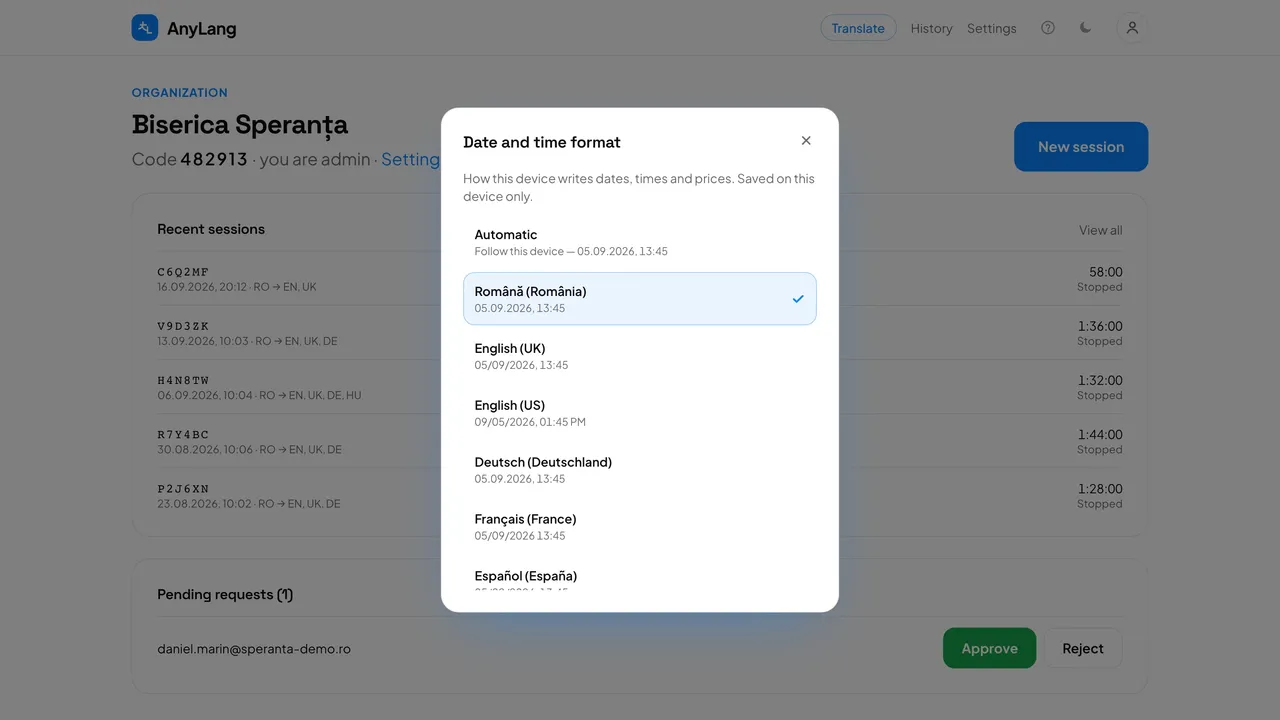
- Press Date and time format.
- Pick a format. Each one shows a sample date, so you see exactly what you get — Română (România) writes 05.09.2026, 14:30. Automatic follows this device.
Good to know: The format applies to dates, times and prices on this device only; set it again on another computer or phone. Times always show in your own time zone.