- In History, press the date of the session.
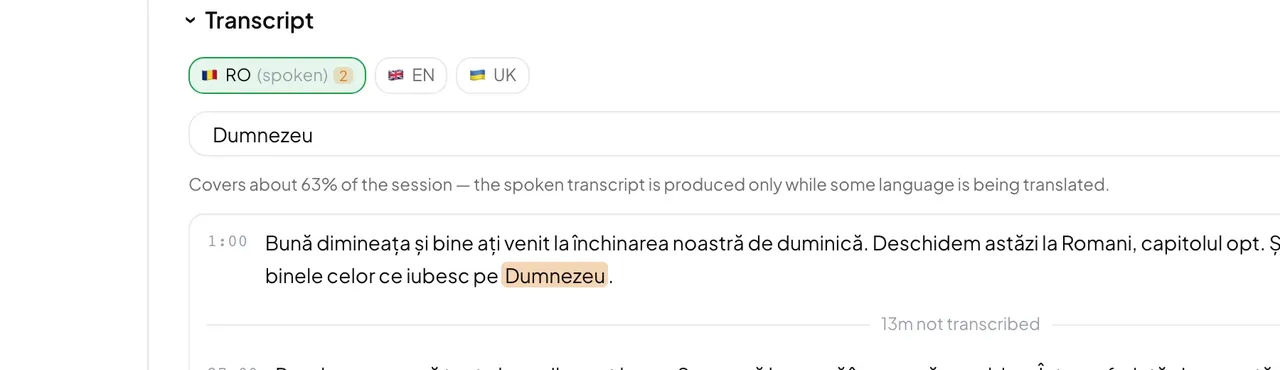
- Under Transcript, pick a language; the one marked (spoken) is what was said in the room.
- Type in Search this transcript…. Press Enter for the next match, Shift+Enter for the previous one, Escape to clear. Other languages show how many matches they have too.
- Press Copy to copy the text, or Download .txt to save it as a file.
Good to know: A line like “12m not transcribed” is a real gap, not an error. A language is transcribed only while it has a listener, and a session nobody listened to has no transcript. The line above the text says how much of the session it covers.
Want the spoken language covered from start to finish? A recording keeps the first translation running for the whole service, which also fills in the spoken transcript.