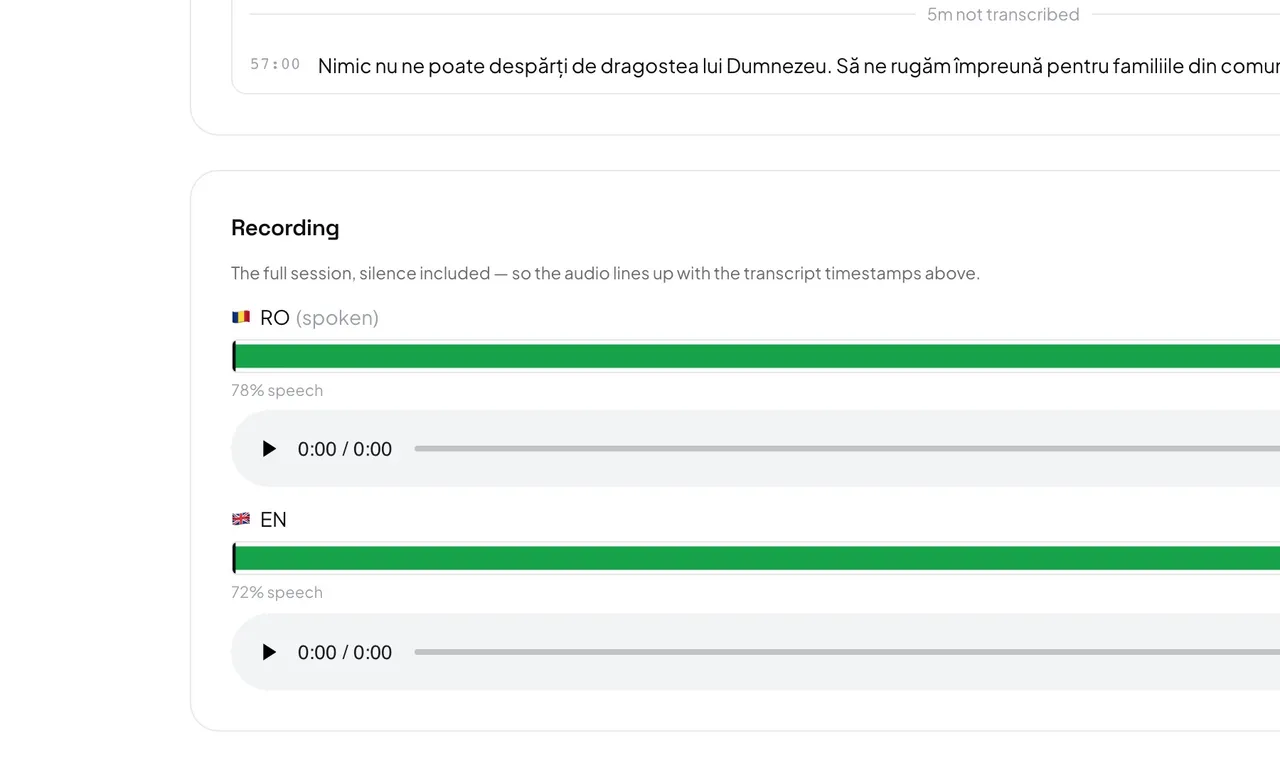
A recording exists only if Keep a recording of this session was ticked before Start. Without one, the session page shows no Recording section.
- In History, press the date of the session, then scroll to Recording.
- The spoken language comes first, marked (spoken), then the first output language.
- The bar above each player shows speech as filled blocks and pauses as empty space. Click anywhere on it to jump there, then press play.
Good to know: Silence is kept, so a three-hour service is a three-hour file and the times match the transcript. Nothing downloads until you press play.