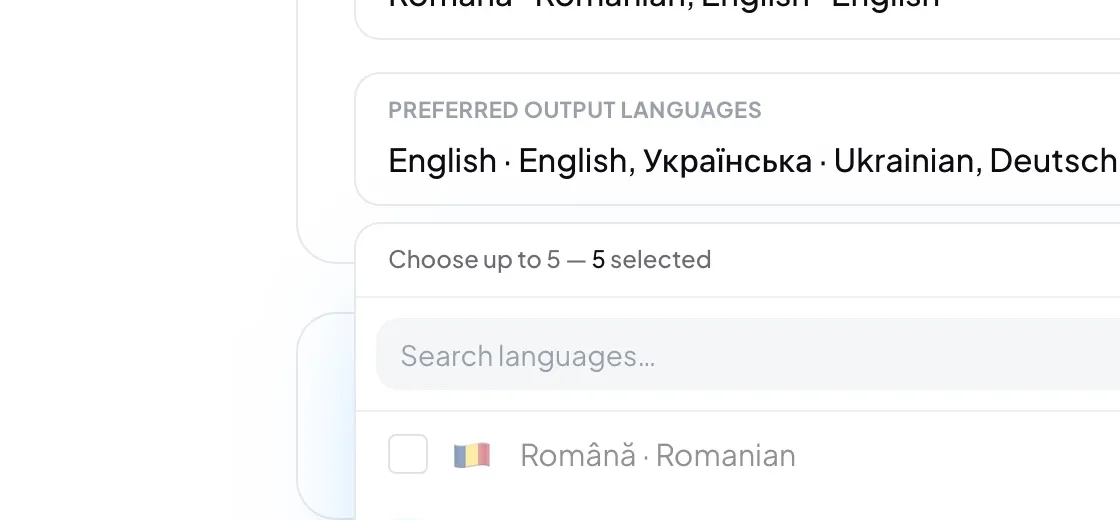
- Open Settings, then the Session tab.
- Preferred spoken languages: open the list and tick every language someone may speak from the front. These are the only choices under Spoken language when you start a session.
- Preferred output languages: tick up to five languages to translate into. They come pre-selected for the next session.
- Close the list. Your choice saves when the panel closes.
Good to know: The output languages here and the ones you pick in New session are the same setting: changing either one changes both. The glossary is organized by these spoken and output languages too.
Careful: Only admins can change these, and not while a broadcast is live. Stop the broadcast first.