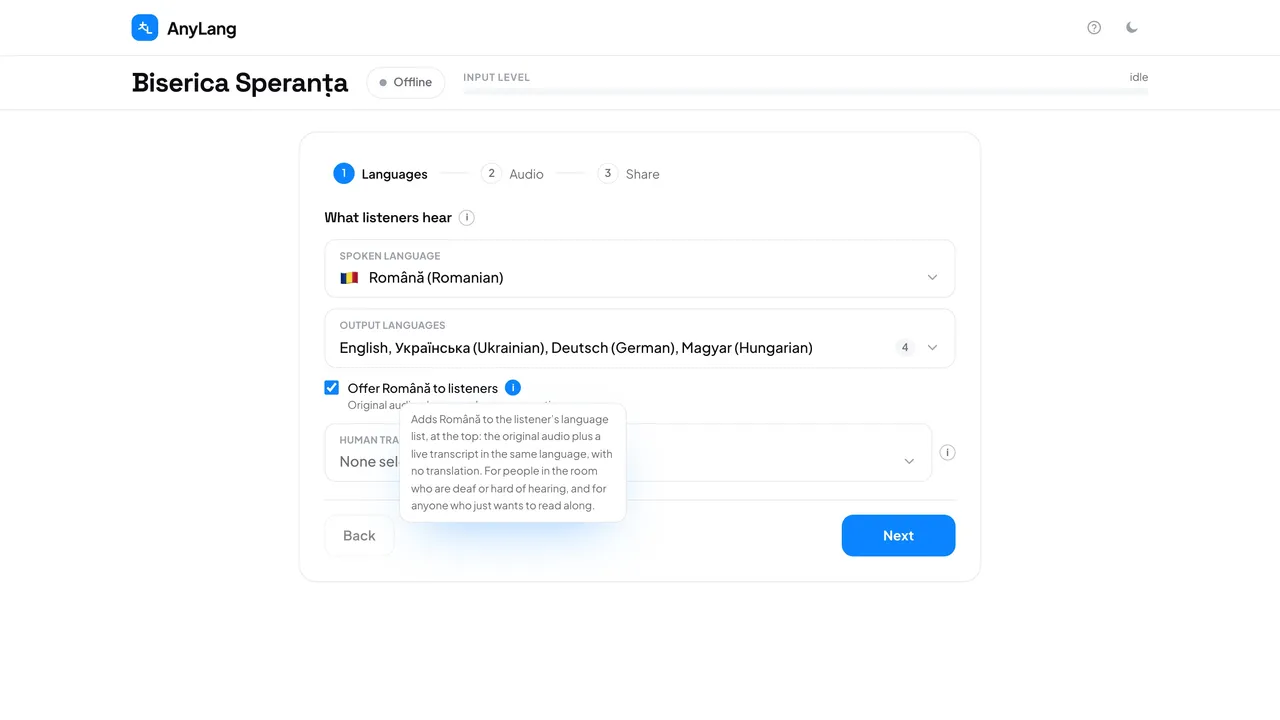
This is for the people in the room: someone who is deaf or hard of hearing and reads along, or someone who uses their phone and headphones to hear the speaker better. Nothing is translated for them.
- Press New session and stay on step 1, Languages.
- Tick Offer … to listeners, for example Offer Romanian to listeners.
- Start as usual. Listeners see the spoken language first, marked “Original audio + captions”.
Good to know: It does not use one of your five output languages and runs no translation of its own. The captions come from a translation that is already running. Only when the original is the one language anybody is listening to does one translation run in the background to produce them, and that is charged as usual.
The original sound is not delayed, so it stays in step with what people see at the front. Like the other languages, this choice is fixed once you start.