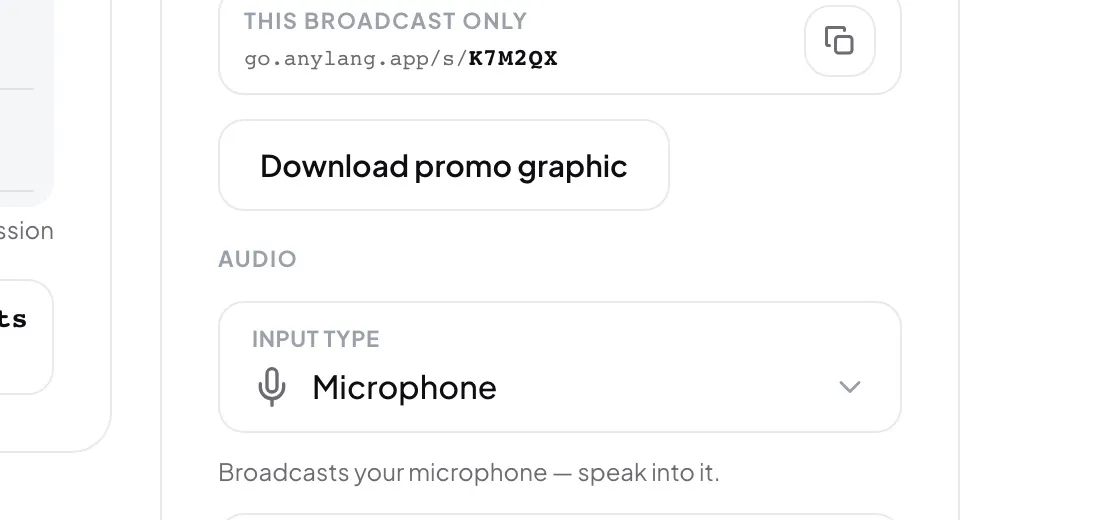
- Under Audio, open Input type and pick the new source.
- In the Switch audio source? dialog, press Switch.
- Allow the microphone, or pick the tab or screen, when the browser asks.
- Check that Input level moves again.
Good to know: If the new source fails, for example you cancel the browser's picker, the broadcast carries on with the old one.
What stays fixed until Stop
- The spoken and output languages, the original language and human translation.
- This browser or Stream key.
- The recording, and the listener address.
Open Fixed for this broadcast in the right column to see them. Listeners are already in those rooms, so changing them takes a new session.