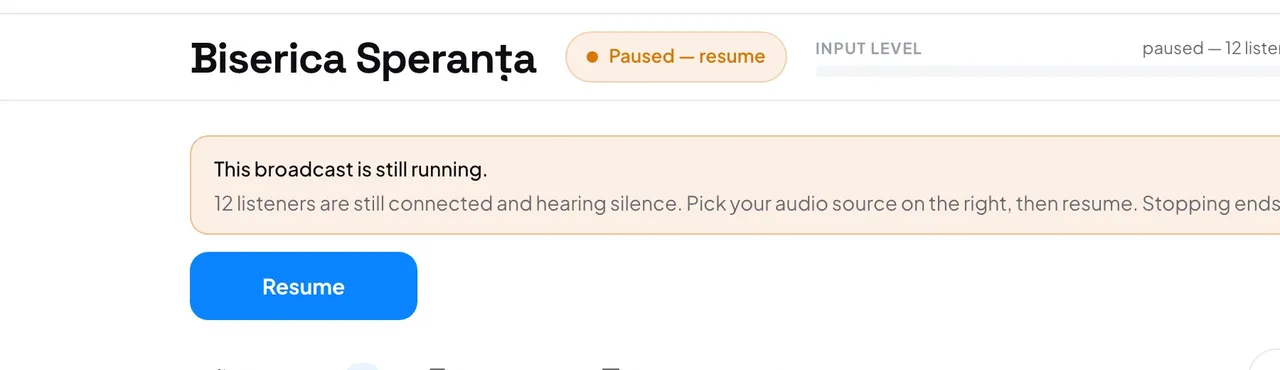
While the console is closed, listeners stay connected and hear silence, and nothing is translated. The session keeps its code and link until you press Stop.
- Open the console. The home page shows the running session; press Open & resume.
- The console says “This broadcast is still running.” and the status reads Paused — resume.
- In the right column, under Audio, choose your input.
- Press Resume. If the browser asks for the microphone, press Allow.
Good to know: While you are on air, the console asks before you leave the page: Stay on this page or Leave anyway.
Good to know: With a stream key, closing the tab changes nothing: the encoder keeps sending sound and the translation goes on.
- Will it stop by itself if I never come back?
- Only at the 3-hour limit. To end it earlier, press Stop on the console home page.