- Sign in on the new computer. On the console home page, the running session shows Take over; press it.
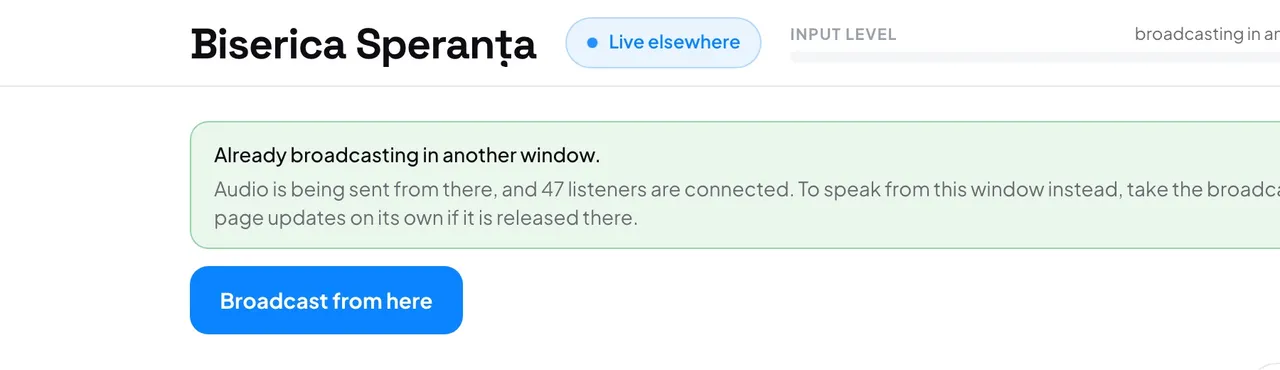
- The console says the broadcast is running in another window, and the status reads Live elsewhere.
- In the right column, under Audio, choose the input you will use here.
- Press Broadcast from here, then Broadcast from here again in the dialog. If the browser asks for the microphone, press Allow.
The session, the code and the link stay the same, so listeners notice nothing more than a moment's gap. The other window now shows Live elsewhere and can take the broadcast back the same way.
Good to know: A second window never takes over by accident: it always asks first. With a stream key, taking over only moves the controls; the encoder keeps sending.