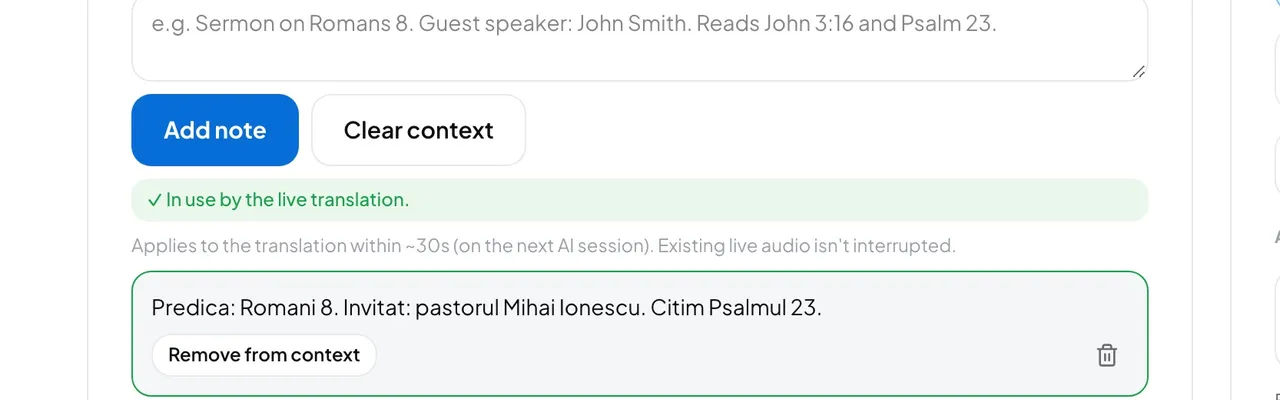
- In the live console, open the Session context tab.
- Write short facts, for example: “Sermon on Romans 8. Guest speaker: John Smith. Reads John 3:16 and Psalm 23.”
- Press Add note. The line under the buttons says whether the live translation is using it yet.
- When a note no longer applies, press Remove from context. Clear context removes them all at once.
Good to know: Notes reach translation sessions that start after you add them. A language that is already translating keeps its older notes. To apply the new ones straight away, press Pause and resume.
Notes stay in the context for the next service until you remove them, so clear last week's before you start. Removed notes are kept under History, where Reuse brings one back. Listeners never see them.
- A name is translated wrong every week.
- Put it in the glossary instead, so every service gets it. See AI instructions and glossary.
- Can I delete a note for good?
- Admins can, with the bin icon on the note. It cannot be undone.